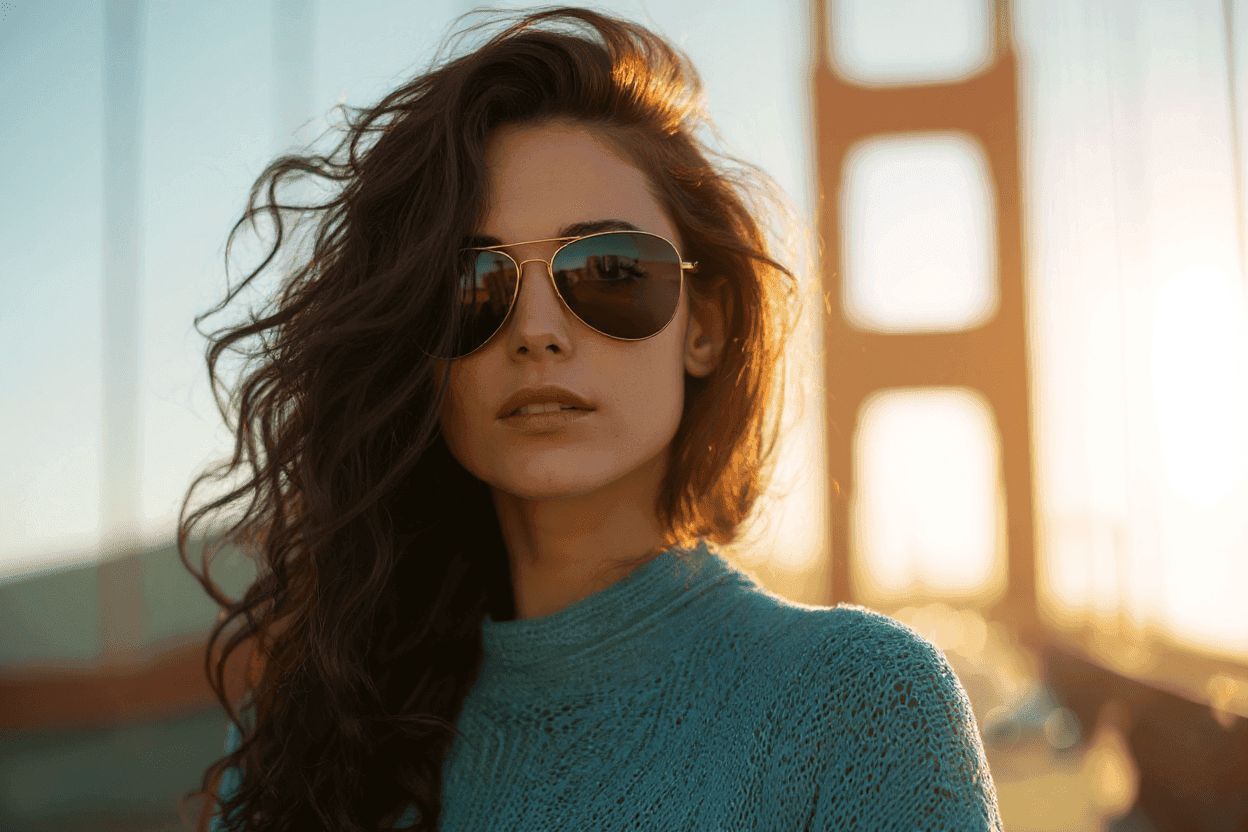
대화형 AI 사진 편집기

AI와 대화하며 사진을 완성하세요

Start with a photo or a sentence. BanaSnap analyzes what is in the image, suggests useful edits, generates new versions, and lets you open the result in a precise editor when you want more control.

  • Upload one photo to get edit ideas tailored to that image
  • Ask for retouching, object changes, posters, guides, upscale, or text-to-image work
  • Preview generated images, then continue in the editor for detailed control

Start as a guest in the browser. No design layers, masks, or model picking required.

BanaSnap
BanaSnapAI is planning your edit
Make this portrait cleaner and more polished for social.
AI

I will analyze the photo, plan the edit, and generate a preview.

BanaSnap generated preview
Preview ready. Open it in the editor or keep chatting.BanaSnap 사용해보기
The first screen is the conversation, so users can try the product immediately

기능

Built for photo edits that start as a conversation

BanaSnap turns vague image wishes into a guided workflow: analyze, plan, generate, preview, refine.

01

Image-aware suggestions

Upload a photo without typing anything and BanaSnap can describe what is worth improving, then offer practical one-tap prompts.

  • Photo analysis before generation
  • Suggestions written for the actual image
  • Useful for portraits, products, rooms, and social posts
02

Agent-chosen generation tools

The agent decides whether the task needs normal image editing, deeper poster/text handling, HD upscale, or text-to-image generation.

  • No model picker for users
  • Multi-step requests can produce multiple images
  • Clear thinking and generation states
03

Preview first, edit precisely after

Generated results open in a focused media preview. From there, users can download or send the image into the editor for controlled changes.

  • Preview image sets in order
  • Keyboard-friendly browsing
  • Editor handoff for detailed refinement

workflow

From first upload to finished image

The website should make one thing obvious: the fastest way to understand BanaSnap is to try it with a real photo.

1

Upload a photo

Start with a selfie, product shot, room photo, poster draft, or any image that needs cleanup or a style change.

2

Let the agent plan

BanaSnap thinks through the task, chooses the right generation path, and shows progress in plain language.

3

Preview, download, or edit

Browse the generated images, download the one you like, or click Edit to keep refining in the editor.

agent

Why the chat-first flow works

Most users do not want to choose models or learn a professional editor before seeing a result. BanaSnap handles the planning layer first.

The first screen is the conversation, so users can try the product immediately

Photo-only uploads trigger analysis and personalized edit ideas

The agent can route normal edits, deep poster work, upscaling, and text-to-image tasks

The editor is still available when users need precision after previewing results

FAQ

Frequently asked questions

What to know before trying BanaSnap.

BanaSnap starts as an AI conversation instead of a blank editor. You can still open generated images in the editor when you want fine control.

Try BanaSnap

Bring one photo. Tell BanaSnap what you want.

Open the app, upload a picture or type an idea, and let the AI agent produce the first useful version for you.

BanaSnap 사용해보기